Planners & Guides
Damage Tracker Spreadsheet, Six-Sheet Insurance Claim Organizer for Excel and Google Sheets
$9.99
-
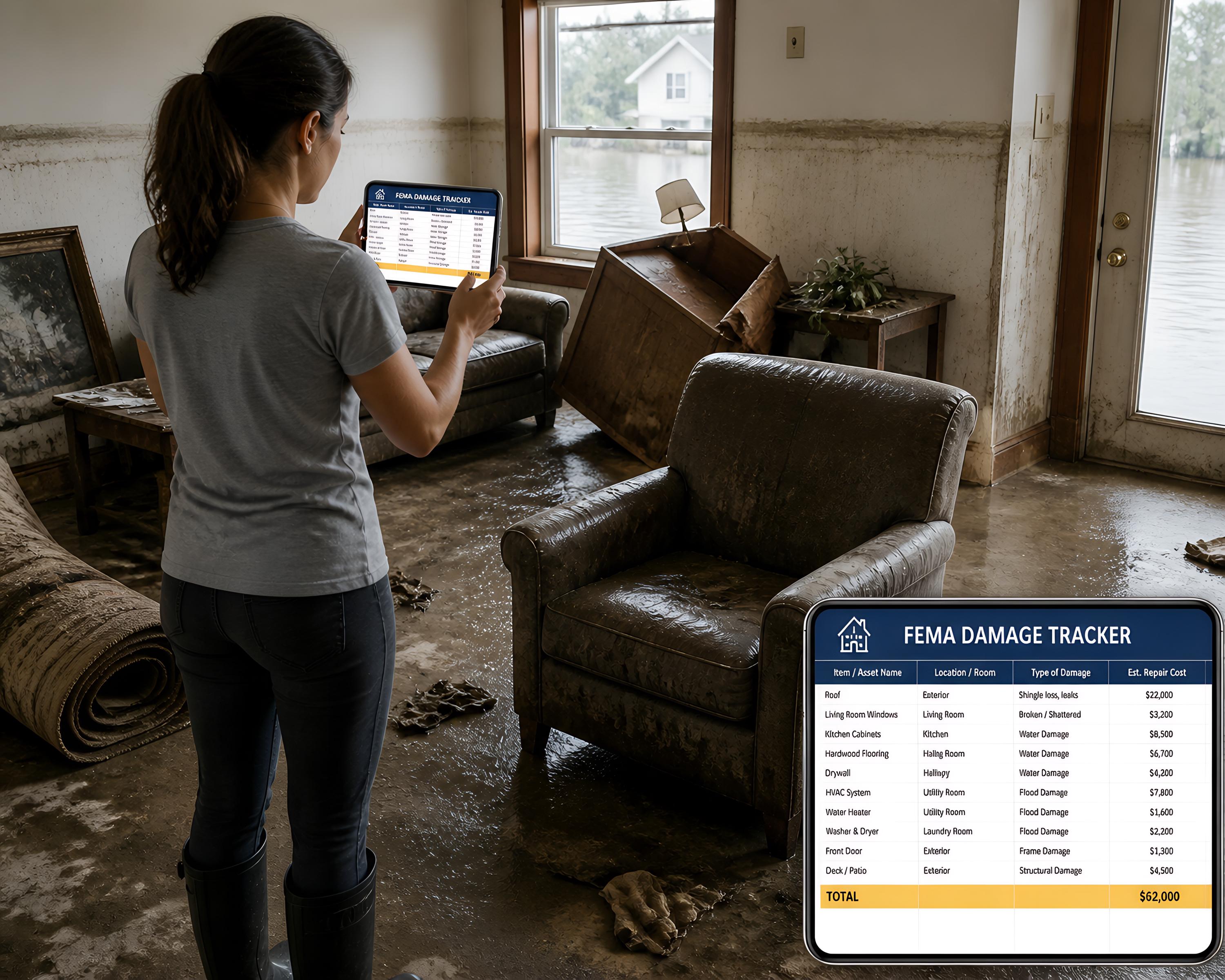
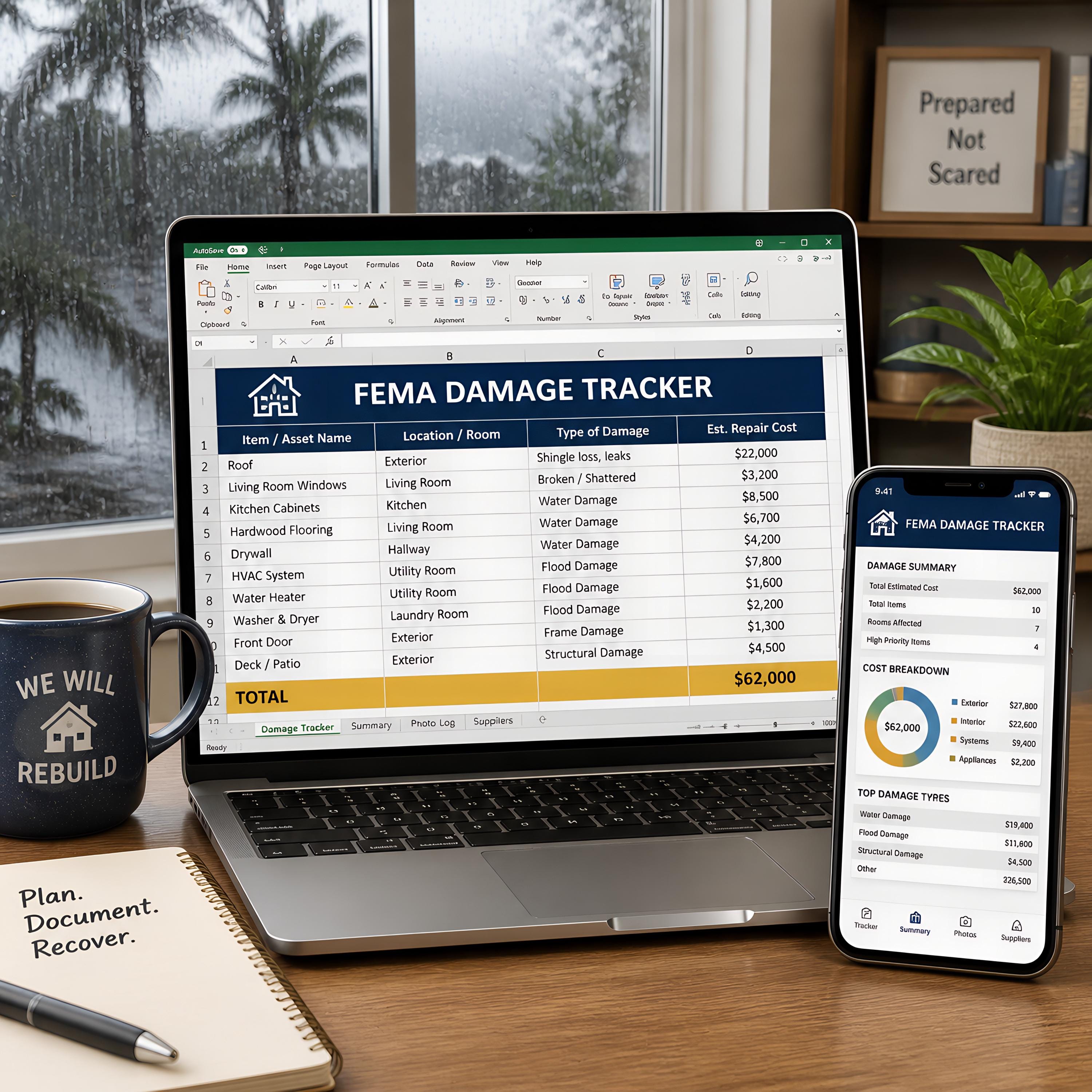
DetailsThe damage tracker spreadsheet organizes disaster-related property losses, vehicle damage, photos, and expenses in one six-sheet workbook. Designed for homeowners documenting a claim, it includes a damage inventory, property damage log, and claim expense log, with automatic totals and a one-page summary. Use it in Excel or Google Sheets to organize records for insurance or disaster-assistance documentation.
Keep disaster damage, repair costs, vehicle losses and photo records together in a six-sheet claim organizer for Excel and Google Sheets. Automatic totals and a one-page summary help you review your records as you prepare insurance or disaster-assistance documentation. This is an independent organization tool, not an official FEMA form. Digital download only; no physical item is shipped.
WHAT'S INCLUDED — 6 WORKBOOK SHEETS
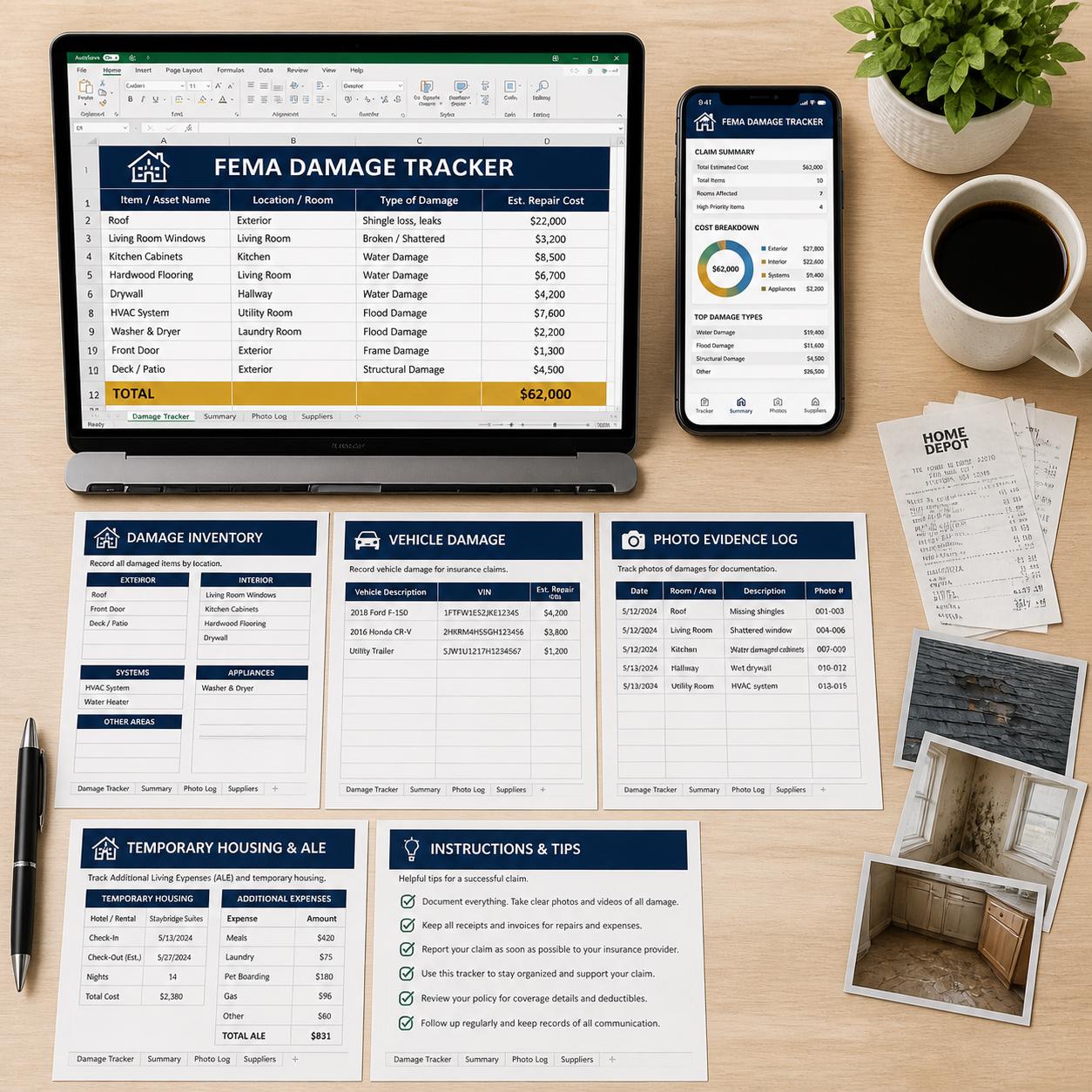
1. Claim Summary Dashboard
A one-page overview of property totals, vehicle loss, temporary housing and ALE out-of-pocket costs, and photos logged. Includes a claim and policy information block, with totals drawn from the workbook.
2. Damage Inventory
Record damaged items in 7 room blocks: Kitchen, Bedroom, Bathroom, Living Room, Garage, Exterior and Other. Each block has an automatic subtotal, plus a grand total for the inventory. Includes 24+ pre-formatted item rows with room to add more, claim categories and insurance coverage status.
3. Vehicle Damage
Log make, model, year, VIN and pre- and post-disaster values. An Estimated Loss column calculates the difference. VINs are stored as text to preserve all 17 characters.
4. Photo Evidence Log
Connect photos and videos to inventory items using an item dropdown, then record the date taken and description.
5. Temporary Housing & ALE
Track lodging, meals, transportation, storage and other expenses, with claimed, reimbursed, pending and denied totals plus estimated out-of-pocket costs.
6. Instructions & Tips
Workbook instructions, FEMA guidance and a documentation checklist.
WORKBOOK TOOLS
• SUM and SUMIF formulas for totals; no macros or VBA.
• Dropdowns for Room, Type of Damage, Coverage Status, FEMA Claim Category and Reimbursement Status.
• FEMA Claim Category options include Temporary Housing, Repair, Replacement and Other Needs.
• Currency formatting on cost columns.
HOW TO USE
1. Download the ZIP file from your Etsy purchase and extract its contents.
2. Open the workbook in Excel 2016+ or upload it to Google Sheets.
3. Enter one row per damaged item, choose the relevant dropdown values and record your photo file names.
4. Add vehicle and temporary-housing expenses, then review the calculated totals in the summary.
WHO IT'S FOR
Homeowners and renters organizing records after hurricanes, floods, wildfires, tornadoes or severe storms; people documenting homeowners, flood, renters or auto insurance claims; and households building an inventory before a disaster.
PLEASE NOTE
This product is a personal organization template for informational purposes only. It is not legal, tax, or insurance advice, and it is not affiliated with, endorsed by, or a publication of FEMA or any government agency. Disaster-assistance programs, eligibility rules, and deadlines change; always confirm current requirements with FEMA (DisasterAssistance.gov) and your insurance provider. Use of this template does not guarantee approval of any claim. Applications must still be submitted through official channels.
DOWNLOAD & REFUNDS
Digital download — no physical item ships. Files are available instantly in your Etsy account after purchase. Because this is a digital product, sales are final; if you have trouble opening the file, message me and I'll help within 24 hours. -
Shipping & Policies
Digital downloads
Your files will be available to download once payment is confirmed.
Related Products